Evidence before assumptions
Every finding links back to its source photos, its position on the orthophoto, and its place on the 3D model. AI proposes; qualified people decide.
Upload drone photos of a building. Inspek builds facade orthophotos and 3D models, flags and measures defects with AI, and turns the reviewed results into a concise report and a no-login client link. At the next inspection, every defect is matched with the last one, so you can see what was repaired and what has grown.
Let’s talkOnce photos arrive, Inspek checks photo quality, coverage, and alignment, builds the facade orthophoto for human acceptance, then moves on to AI detection and review. When a gate fails, it opens a recapture task, so the problem never reaches the report. After delivery, the building’s record carries every defect into the next inspection.
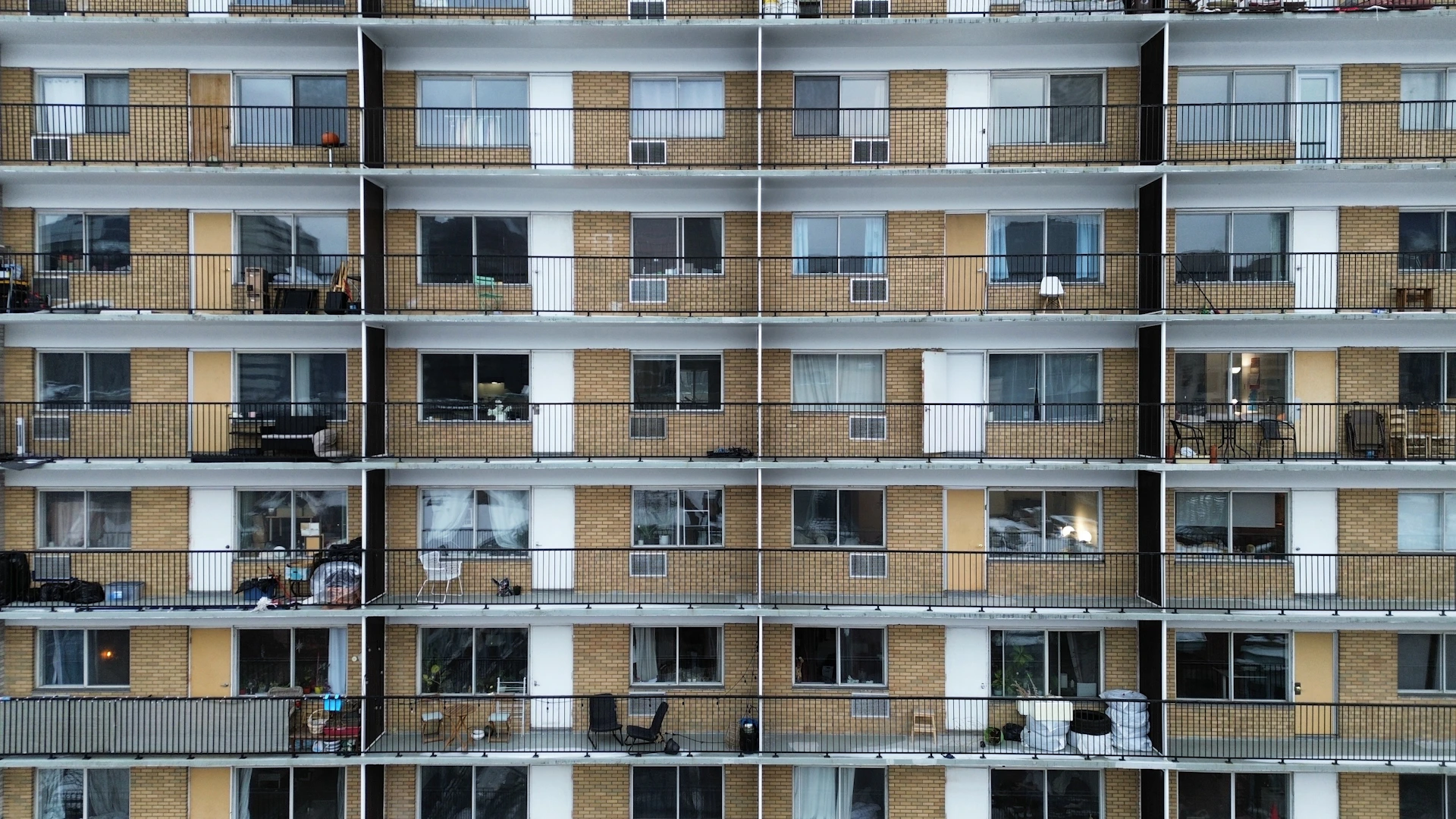
Upload a whole building into one Google Drive folder: Inspek proposes the facades from the capture data, and you confirm them on a plan view. Or upload facade by facade. It checks photo quality, coverage, and alignment. Exclude or restore photos, and turn any gap into a recapture task.
Explore the platformThe first page lists high-risk findings. Each defect carries its photo evidence and measurements, with the full list as a CSV. Clients scan the cover QR code or open the share link to see the orthophoto, photos, defect locations, and the 3D model online. No login, revocable at any time, and shown under your company name.
See what you deliverBased on the current product. Report length varies with project size. AI detection covers a subset of the defect codes; reviewers can apply all of them. A facade’s 3D model reaches the client link once it passes an alignment check against the orthophoto, or when your team approves it.
The facade workflow, from photos to report to the next inspection, is fully available. Bridges and roofs start with an evaluation on your imagery.
Residential and commercial facades. Review hollowness, spalling, cracks, corrosion, efflorescence, and more under one set of defect codes, from orthophoto and 3D model to report, then follow repairs into the next inspection.

Focus inspection review on cracks and exposed-rebar corrosion, with additional classes in development.
Explore RGB and thermal inspection workflows. Discuss your asset type and validate model fit before deployment.
The facade inspection workflow, 3D models included, is available today. Client work orders, multi-year comparison, bridge and roof models, and developer APIs are still on the way. We always mark which is which.
See what’s available and what’s nextEvery finding links back to its source photos, its position on the orthophoto, and its place on the 3D model. AI proposes; qualified people decide.
If photo quality, coverage, or orthophoto acceptance fails, the job stops and asks for a recapture instead of guessing.
Link a job to its building, and defects are matched across inspections and tracked from open to closed. A repair counts as done when the next flight shows it, not when someone says so.
Inspek is software. We don’t book flights or field inspections. We publish a capture specification so your own pilots or drone service provider can collect photos that work in the workflow.
The full facade workflow is available: whole-building or per-facade photo intake with quality gates, facade orthophoto and acceptance, facade and whole-building 3D models, AI detection with measurement, the review workspace, concise reports, no-login share links, repair marks, and building history. Client work orders with signed acceptance records, and comparing any two inspections of a building, are in development. Thermal hollowness detection and the bridge and roof detectors are in beta. The workspace and reports are currently in Traditional Chinese.
Each facade can be turned into a 3D model (Gaussian splatting) that is registered to its orthophoto, so a defect selected in the list is shown at the same spot in 3D. Facade models merge into one whole-building model for orientation. A facade model opens on the client link only after it passes an alignment check against the orthophoto, or when your team approves it. Measurements still come from the orthophoto, not the 3D view.
Yes. Repair marks turn findings into areas and methods for quoting, and each defect keeps its status from open to closed. At the next inspection, Inspek matches defects with the last one and shows what is new, what has grown, and what was closed. Work orders that let the building owner assign your team or their own contractor, close items with after-repair photos, and sign the construction record online, all under your company name, are in development.
No. What matters is the photos. Reference values: forward overlap of at least 80%, side overlap of at least 60%, about 10 mm per pixel (a DJI M4T at 25–27 m), at least 15 RGB photos per facade, and a camera angle within 45° of the wall. To pair thermal with RGB, capture both on the same flight.
As a concise PDF report and a no-login share link. The link opens the overview, the orthophoto, the photos, and, where available, the facade and whole-building 3D models. It is shown under your company name and can be revoked at any time. The QR code on the report cover opens the link for that report version.
No. Computer vision highlights potential findings for qualified review. Image quality, capture conditions, and the model’s training scope all affect results. Safety and maintenance decisions need professional judgment.
You can export a findings CSV, defect GeoJSON (WGS84), Pix4D camera CSV, and COCO annotations, and import orthophotos produced in Metashape. A public developer API is still planned; tell us about your systems to discuss integration.
Tell us about your buildings and how you capture them. If you can, bring photos from a real job, and we’ll walk through the workflow on your own data.
Let’s talk