Eight gates. One workflow.
Upload, photo quality, coverage, alignment, facade confirmation, orthophoto acceptance, AI detection, and review and report. Each step is visible, and a failed gate opens a recapture task instead of passing the problem downstream.
- Whole-building capture: one upload folder, facades proposed from the capture data and confirmed on a plan view
- Photo quality, coverage, and alignment checks; gaps become recapture tasks
- Facade orthophoto and automatic line drawing, tuned to the facade type and accepted by a person before detection
- AI defect detection, with crack length, width, and area measured from ground sample distance
- RGB and thermal pairing: switch, overlay, or compare side by side
The facade in 3D, aligned to the evidence.
Each facade can be trained into a 3D model with Gaussian splatting, then registered to its orthophoto. Defect markers sit in the same place in 3D as on the orthophoto and in the photos, and the facade models merge into one whole-building model. A facade model reaches the client link only after it passes the alignment check against the orthophoto, or when your team approves it.
- Facade 3D with defect markers: select a finding and the view flies to it
- Whole-building 3D merged from the facade models
- Alignment checked against the orthophoto before clients see it
- Opens in a modern browser on the share link; nothing to install
AI proposes. People decide.
Review on the orthophoto, on single photos, or on the defect wall, and accept or reject similar findings in batches. A defect seen in several photos is grouped, so it is reviewed once and counted once. Review works on a phone, too, and carries on while an orthophoto is being rebuilt.
- Mark once, then add the other photos of the same spot in one click
- Rectangle, polygon, crack-line, and redraw tools; the tool follows the defect type
- AI select: click once to outline a defect (the model runs in your browser)
- A suggested risk level (high / medium / low) from measurements and floor
- 15 defect codes, consistent from review to report
Results your client can actually read.
The concise PDF report runs to about 30 pages, with high-risk findings on page one. A full findings CSV and a high-risk evidence PDF come with it, and the report can be emailed to your client automatically. The QR code on the cover opens that version’s share page.
- No-login share link with overview, orthophoto, photo, and 3D views
- White-label: shown under your company name, revocable at any time
- Repair marks: outline areas with a repair method and export a PDF with area totals for quoting
- Exports: GeoJSON, Pix4D camera CSV, and COCO
Each inspection picks up where the last one left off.
Once a job is linked to its building, defects are matched across inspections and tracked from open, to under repair, to re-inspected, to closed. Reports and share pages compare directly with the previous inspection: what is new, what has grown, and what was closed.
- Building registry and inspection history
- Defect lifecycle tracking
- Comparison with the previous inspection
From finding to signed-off repair.
In development. Building owners group published defects into a work order and assign your team or their own contractor. Each item is closed with after-repair photos, and the construction record PDF sets before, after, and re-inspection photos side by side, signed online by both parties; any later change voids the signatures. The next drone inspection confirms each repair. Work orders, records, and signatures carry your company name.
- Work orders built from published defects
- After-repair photos required to close an item
- Construction record PDF with online signatures
- Compare any two inspections of a building on a timeline
Next: APIs and flight-side integration.
A developer API, mission planning, and flight-side integration are still planned. Today, photos arrive through Google Drive, and orthophotos produced in Metashape can be imported.
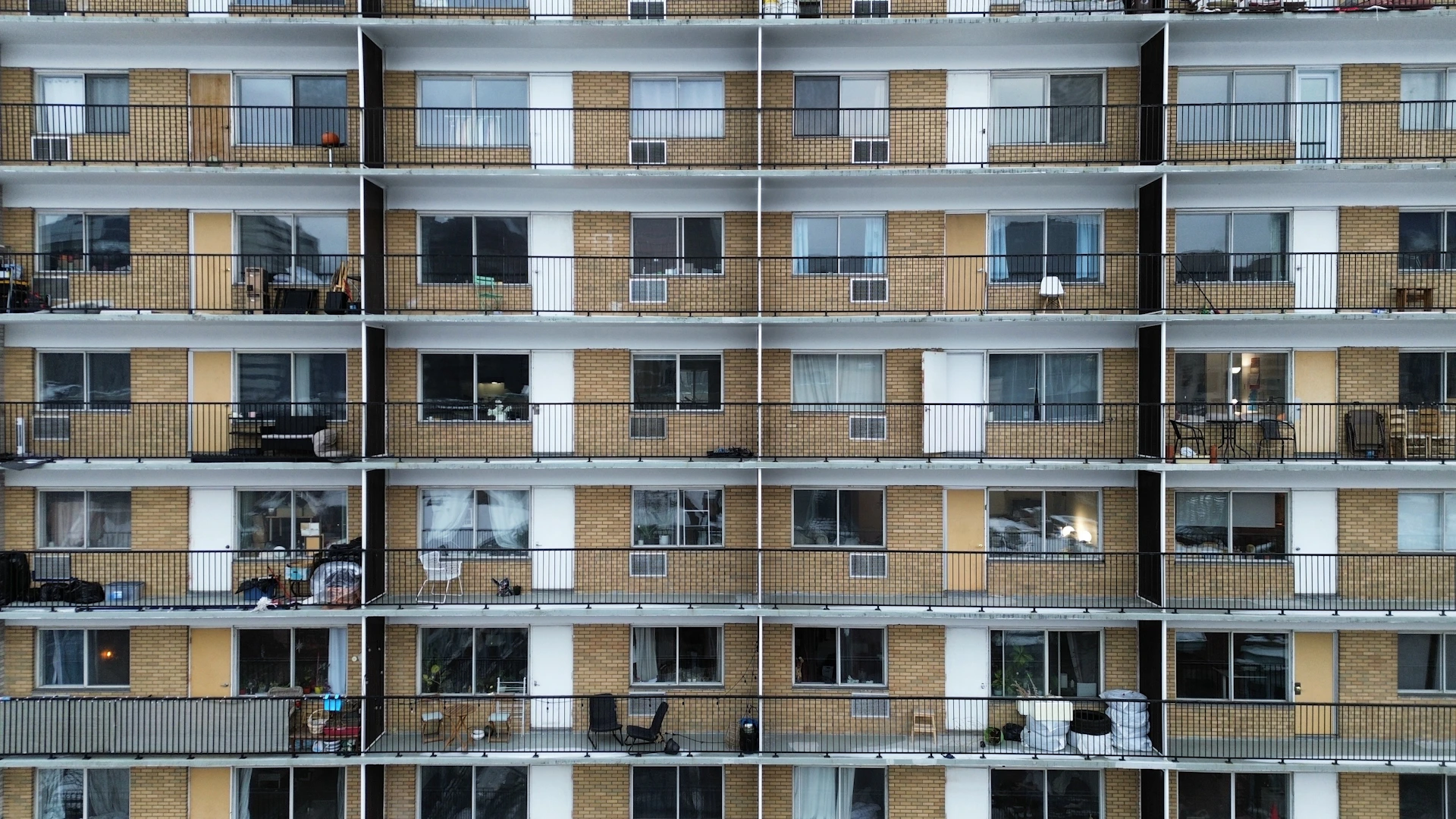
Photos in. Quality first.
Upload a whole building into one Google Drive folder: Inspek proposes the facades from the capture data, and you confirm them on a plan view. Or upload facade by facade. It checks photo quality, coverage, and alignment. Exclude or restore photos, and turn any gap into a recapture task.
Explore the platform